

New: connect Claude, ChatGPT, Gemini or Grok via MCP

All-in-one marketing agency software Every client. Every deliverable. One place.

Content and video production, influencers, SEO, websites, ad campaigns and your CRM. One platform for creative and marketing agencies, with your own AI plugged in.

  • 30 days free
  • Add or remove seats any month
  • Priced in INR

Agencies already running on LynkLead

Branding Hut Digital Mugavari Brin'it Digital Megatron NeuralNest Photovoult

(The problem)

Content lives in a spreadsheet. Influencers live on WhatsApp. SEO has its own tool, ads have four more, and client approvals are buried in email. You run an agency, not twelve open tabs.

(Real agency work)

Shoots, launches, campaigns. All of it, organised.

Photographer shooting a model against a red backdrop in a studio
Shoot day
Agency team planning a campaign at a whiteboard
Campaign planning
Video editor's desk with monitors and camera gear
Edit suite
Creator recording a workout video on a smartphone tripod
Creator content
Digital billboard campaign lit up at night
Campaign live
Two strategists brainstorming on a chalkboard wall
Strategy session
Agency team working on laptops around one table, seen from above
Sprint week
Videographer checking a shot on a cinema camera
Behind the camera
Agency presenting a marketing plan to the team
Client review
Influencer filming content on a phone tripod at home
Creator collab

(The modules)

Everything your clients pay you for, under one login.

Every module shares the same clients, team and data. A lead you win in the CRM becomes the client whose content, SEO, website and ads you deliver.

01 — Content management

Content and video production, on schedule

Plan every post, reel and shoot for every client on one calendar, and see exactly where each piece is in production.

  • A content calendar for each client, and one view across all of them
  • Video production tracking from brief to script, shoot, edit and delivery
  • Shoot and publishing schedules your whole team can see

Agency crew setting up a camera on a video shoot
02 — Influencer management

Your creator network, with a portal of its own

Keep every influencer your agency works with in one place, instead of in scattered sheets and chat threads.

  • One database of influencers: niche, platforms, reach and contact details
  • Campaign history, so you know who delivered for which client
  • An influencer portal where creators log in and work with your agency directly
Creator filming a live video on a smartphone
03 — SEO management

SEO for every client, from keywords to sign-off

Connect Google Search Console and Google Analytics, track the work, and get client approval without the email chains.

  • Search Console and Analytics data for each client website
  • Keyword campaigns with ranking changes over time
  • Backlink tracking and local SEO in the same place
  • Content approval from clients before anything goes live
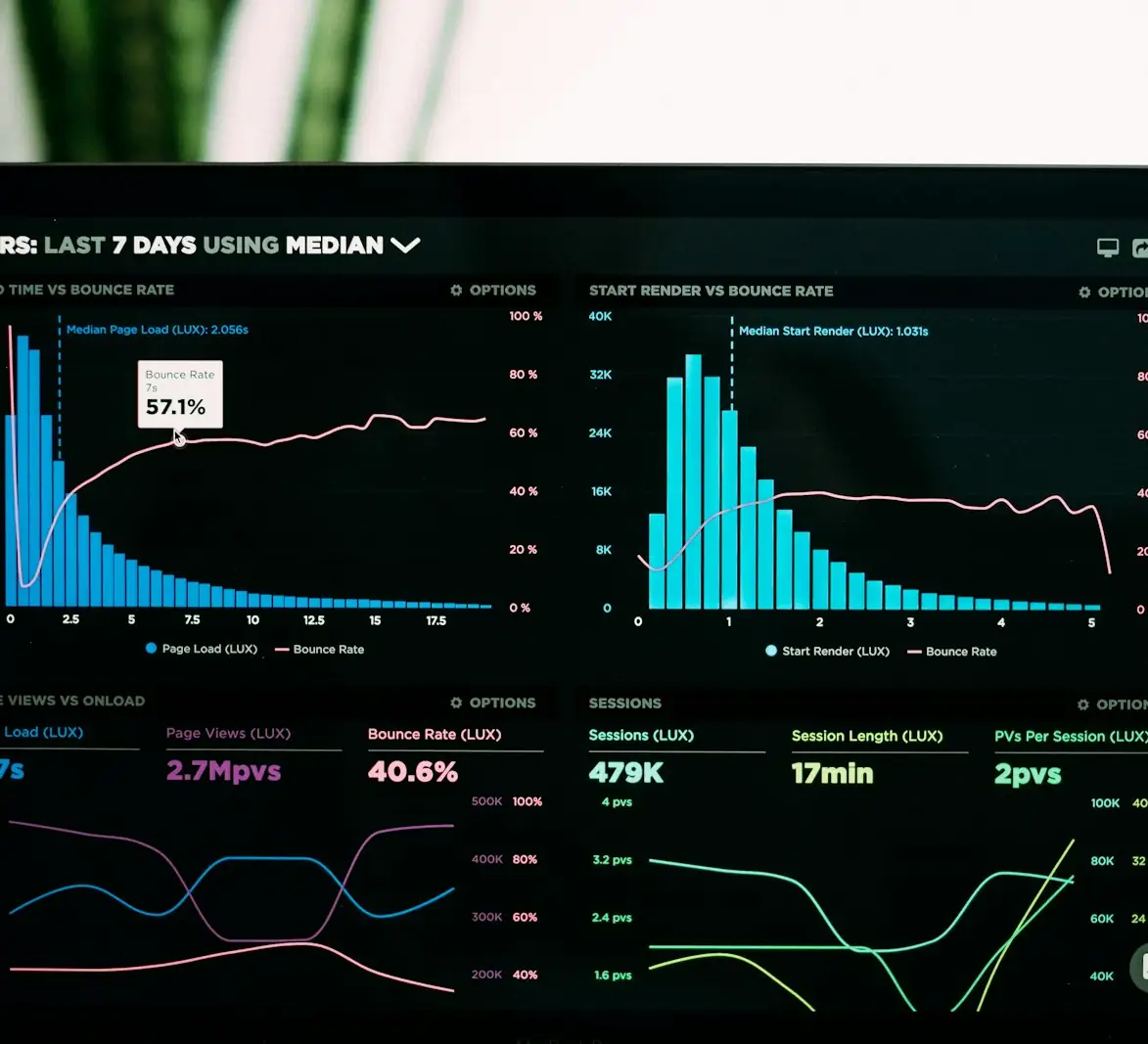
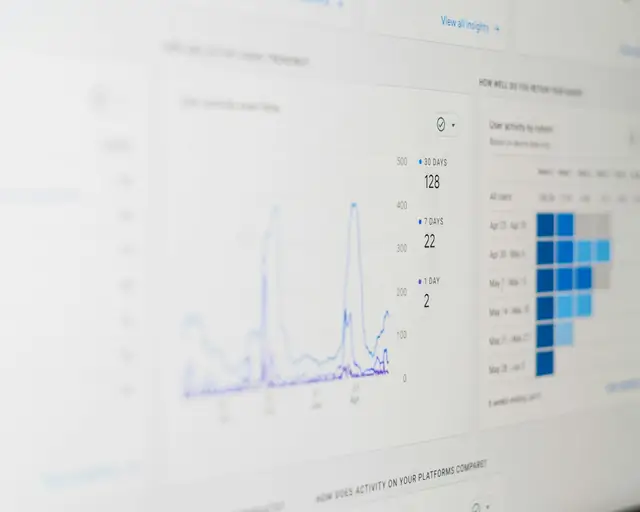
Website analytics dashboard with traffic charts on a laptop
04 — Web works

Website builds that launch on time

Track every website project from kickoff to go-live, with checklists so nothing gets missed at launch.

  • Website work tracking for every client build
  • Checklists for each stage, from design to launch
  • Client onboarding links to collect logins, assets and content up front
Web designer building a client website on an iMac
05 — Ads management

Online and offline campaigns in one tracker

Meta and Google campaigns next to the hoardings, print and radio spots you run for the same client.

  • Online campaigns across Meta, Google and other platforms
  • Offline campaign tracking: outdoor, print, radio and events
  • Every campaign for a client, on one page
Digital billboards running ad campaigns on a city street at night
06 — CRM

An agency CRM, from lead to retainer

Capture leads, follow up on time and turn new clients into work your team can start on straight away.

  • Leads and clients with the custom fields your agency needs
  • Follow-up reminders so no prospect goes cold
  • Clients connect straight to their content, SEO, web and ad work
Agency owner shaking hands with a new client

07 — Next

More modules are on the way.

Tell us what you need next

(Agentic AI · MCP)

Bring your own AI. Ask it anything about your agency.

  • LynkLead runs an MCP server. Connect the AI assistant your team already uses, and it can read your LynkLead data.
  • Ask for analysis instead of building reports: spend by client, delayed deliverables, SEO wins, top-performing influencers.
  • No exports and no copy-pasting spreadsheets into a chat window.
Connect your AI, free for 30 days
MCP server
  • Claude
  • ChatGPT
  • Gemini
  • Grok

(SEO, built in)

See how your websites perform on Google.

Connect your Google account and LynkLead shows how your websites perform in Google search, in plain numbers. Built for agencies and businesses that run SEO for themselves or for clients.

Search Console + Analytics, in one place

Choose the websites you want to track. LynkLead reads your Google Search Console and Google Analytics data and turns it into a simple dashboard.

  • Clicks, impressions, click rate and average ranking, with change versus the previous period
  • Visits and goals that came from Google search (Google Analytics)
  • Track the keywords you care about and watch their ranking over time
  • Quick wins: searches where you rank just below page one
  • Top searches and top pages for every website

Your Google data stays yours

LynkLead asks for read-only access, only when you choose to connect Google, and uses it only to show you your own SEO numbers.

  • Read-only access to Google Search Console and Google Analytics. We can't change anything in your accounts.
  • Used only to display your own performance inside LynkLead. Never sold, never used for advertising.
  • Disconnect any time from the SEO page, or revoke access in your Google account.
  • LynkLead's use of information received from Google APIs adheres to the Google API Services User Data Policy, including the Limited Use requirements.

Read the full Privacy Policy and data deletion instructions.

Client approvals

Clients sign off on content before it goes live. No more “final_final_v3” over email.

Try it: approve the reel →

Draft reel cover waiting for client approvalReel · Diwali campaign
Brew & CoDraft v2 · waiting for approval

Influencer portal

Creators get their own login to work with your agency.

Onboarding links

Send one link to collect a new client's logins, assets and content.

Priced in INR

Per seat, billed monthly. Add or remove seats any month. Built in India for agencies everywhere.

(LynkLead vs. the usual stack)

One tool instead of ten.

Most agencies stitch together a CRM, a project tool, sheets, chat groups and every ad platform's dashboard. Here's what moves into LynkLead.

The jobHow agencies do it todayWith LynkLead
Leads and clientsHubSpot, Zoho or a spreadsheetA CRM linked to every client's delivery work
Content and video productionGoogle Sheets, Trello and WhatsApp groupsOne content calendar and production tracker per client
InfluencersA spreadsheet and a lot of DMsAn influencer database plus a portal for creators
SEOSearch Console, Analytics and a separate SEO toolSearch Console, Analytics, keywords, backlinks and local SEO together
Website buildsClickUp or Asana, and emails chasing client loginsBuild checklists and client onboarding links
Ad campaignsEach ad platform's dashboard, plus a sheet for offlineOnline and offline campaigns in one tracker
AnalysisExporting CSVs and pasting them into ChatGPTYour AI reads LynkLead directly over MCP

(Who it's for)

Built for agencies that deliver.

  • 01

    Digital marketing agencies

    Content, SEO and paid campaigns for every retainer client, from one dashboard.

    Digital marketing agency team in a planning meeting
  • 02

    SEO agencies

    Search Console, Analytics, keywords, backlinks, local SEO and client approvals together.

    SEO analytics report with traffic charts
  • 03

    Web design studios

    Checklists, client onboarding links and progress for every build you ship.

    Web design studio desk with two monitors showing a website build
  • 04

    Video production houses

    Shoots, edits and deliveries tracked against the content calendar.

    Cinema camera rig on a video production set
  • 05

    Influencer agencies

    Creators, campaigns and posting schedules without the spreadsheet sprawl.

    Influencer recording a video on a phone tripod
  • 06

    Advertising agencies

    Online and offline campaigns side by side for every client.

    Billboards and digital ad screens over a busy city street at night

(Getting started)

Up and running this week.

  1. 01

    Start your free trial

    Create your agency workspace in a couple of minutes. You get 30 days free.

  2. 02

    Add clients and your team

    Bring in your clients and invite your team. Turn on the modules your agency uses.

  3. 03

    Connect Google and your AI

    Link Search Console and Analytics, then connect Claude, ChatGPT, Gemini or Grok over MCP.

(FAQ)

Questions, answered.

Something else? Talk to us or open the chat.

What is LynkLead?

LynkLead is all-in-one software for creative and marketing agencies. It brings your CRM, content and video production, influencers, SEO, website projects and ad campaigns into one place, and lets you connect your own AI assistant through MCP.

Is LynkLead still a CRM?

The CRM is still there for leads, clients and follow-ups. It is now one module of a bigger product that also covers content management, influencer management, SEO management, web works and ads management, with more modules on the way.

Which AI assistants can I connect to LynkLead?

LynkLead has an MCP server, so you can connect Claude, ChatGPT, Gemini, Grok or any other assistant that supports MCP. Once connected, the assistant can read your LynkLead data and run analysis on it, such as comparing ad spend across clients or finding delayed deliverables.

How does LynkLead use my Google Search Console and Google Analytics data?

LynkLead asks for read-only access, only when you choose to connect Google, and uses it only to show you your own SEO numbers inside LynkLead. It is never sold or used for advertising. You can disconnect any time. LynkLead's use of information received from Google APIs adheres to the Google API Services User Data Policy, including the Limited Use requirements.

Can influencers and clients use LynkLead too?

Yes. Influencers you work with get their own portal, and clients can approve content before it goes live. Your team keeps full control of what each person sees.

How much does LynkLead cost?

LynkLead is priced per seat, billed monthly in Indian rupees, and you can add or remove seats any time. Every plan starts with a 30-day free trial. See pricing for current prices.

(Start today)

Run your agency, not your tabs.

Bring your clients, content, influencers, SEO, websites and ads into LynkLead. Free for 30 days.

  • 30 days free
  • Add or remove seats any month
  • Priced in INR
Start free trial